
Nearshore virtual bookkeepers — based in Latin America and working your exact business hours — are the fastest-growing hire category for US small businesses that need real accounting support without a full in-house salary. But even the most skilled bookkeeper will stumble if the onboarding is chaotic. A poorly structured first two weeks creates reconciliation errors, delayed closes, and a communication breakdown that takes months to untangle. This guide walks you through every step of how to onboard a virtual bookkeeper to your accounting system so that your books are clean, your bookkeeper is confident, and your accountant isn't cleaning up behind them at year-end.
Why Onboarding a Virtual Bookkeeper Is Different From Hiring In-House
When you hire an in-house bookkeeper, onboarding is informal — they sit next to you, watch over your shoulder, and absorb your process by proximity. Virtual onboarding removes all of that ambient context. Your bookkeeper can't see that you always split the owner's draw differently in Q4, or that the vendor in row 14 of your AP ledger gets coded to two accounts depending on the invoice type. Every implicit rule has to become an explicit document.
This is actually a forcing function for tighter accounting. Businesses that document their chart of accounts, closing checklist, and approval workflows before onboarding a virtual bookkeeper almost always discover undocumented exceptions they didn't know existed — and fixing those before handing off access is worth weeks of cleanup later. According to Accounting Today (2024), firms that standardize onboarding documentation before a new bookkeeper starts see a 40% reduction in first-month error rates versus firms that onboard ad hoc.
The other difference is access management. In an office, you hand someone a set of keys. Virtually, you're granting permissions inside QuickBooks Online, Xero, or your property management platform — and those permissions need to be role-scoped from day one, not admin-access-everything. Getting this right protects you and sets a professional tone for the relationship.
How to Set Up Accounting System Access in 2026 — the Right Way
The single most common onboarding mistake is granting full admin access "just to keep things simple." It isn't simpler — it's a liability. A properly credentialed virtual bookkeeper needs transaction-entry, report-viewing, and bank-feed access, but should not have the ability to delete accounts, change your subscription, or add new users. Both QuickBooks Online and Xero offer role-based permission tiers specifically designed for this scenario.
Here is the access setup sequence that minimizes risk and accelerates ramp time:
Create a named user account — never share credentials
Add your bookkeeper as a named user in your accounting platform. Shared logins break the audit trail and make it impossible to trace individual transactions during a dispute or IRS inquiry.
Assign the "Accountant" or "Bookkeeper" role
In QuickBooks Online, the "Standard" user role with Reports and Transactions access is the right starting point. In Xero, the "Standard" role plus bank reconciliation permissions covers 95% of daily bookkeeping tasks. Restrict payroll and bill-payment approval until trust is established.
Connect read-only bank feed access first
Let your bookkeeper view and code transactions before you give them payment-initiation rights. A two-week review period before enabling bill pay is a reasonable internal control even for long-term hires.
Share your chart of accounts as a living document
Export your COA to a shared Google Sheet or Notion page that your bookkeeper can annotate. Every account should have a one-line description of what goes into it and at least one example transaction.
Record a Loom walkthrough of one full transaction cycle
Walk through a real invoice from receipt to categorization to reconciliation. A 12-minute Loom recording answering "how does a typical vendor bill move through this system?" is worth three weeks of back-and-forth questions.
If you're running a property portfolio on AppFolio or Buildium alongside QuickBooks, the access setup is doubled — your bookkeeper needs scoped credentials in both systems. Rose's bookkeeping and accounting virtual staff ship with role-specific AI copilots pre-trained on these platforms, which shortens the "I don't know where that button is" phase dramatically.

What Documents to Hand Over Before Day One in 2026
Access credentials get your bookkeeper into the system. Documents give them the judgment to use that access correctly. There are five documents every business owner should prepare before a virtual bookkeeper's first day — and most of them probably already exist somewhere in your files, just never organized into a single handoff package.
1. Chart of accounts with descriptions. Export it and annotate it. Flag any accounts that have unusual coding rules or are used inconsistently. If you have a Xero-based bookkeeping setup, your tracking categories also belong in this document.
2. Monthly close checklist. What has to be done by the 5th of every month? Bank rec, credit card rec, AR aging review, owner draws posted? Write it down in order. According to IRS guidance on small business recordkeeping, businesses with documented close procedures have significantly fewer discrepancies during audits — because the discipline of a checklist catches errors before they age.
3. Vendor list with payment terms and coding rules. Twenty vendors probably account for 80% of your AP volume. List them, note which expense account they code to, and flag any that split across multiple accounts. If you want to understand how a well-run virtual bookkeeper handles this list day-to-day, the post on how virtual bookkeepers handle accounts payable breaks down the workflow in detail.
4. Revenue recognition rules. When do you recognize revenue — on invoice, on cash receipt, or on delivery? If you have multiple revenue streams (e.g., management fees plus maintenance markups), each stream needs its own rule documented.
5. Approval thresholds and escalation contacts. Any transaction above $X requires your sign-off before posting. Write that number down. Add your accountant's email and phone for tax questions that fall outside the bookkeeper's scope.
"The businesses that struggle most with virtual bookkeeping aren't the ones with complex books — they're the ones that never wrote down how their books work. Documentation is the product you hand over, not access." — Greg Kyte, CPA and Founder of Comedy CPE (2023)
How Nearshore vs. Offshore vs. Onshore Bookkeepers Compare for Onboarding
Not all virtual bookkeepers are the same, and the differences show up most clearly during onboarding — when timezone lag, English fluency, and software familiarity either accelerate or derail your first 30 days. The table below compares the three main hiring models on the factors that matter most during an accounting system onboarding.
| Factor | Nearshore (Latin America) | Offshore (Philippines / India) | Onshore (US-based) |
|---|---|---|---|
| Timezone overlap with US | Full overlap — US business hours | 6–13 hour gap; async by default | Full overlap |
| English proficiency | 8/10+ screened (Rose standard) | Varies; accent and idiom gaps common | Native |
| Typical monthly cost (full-time) | ~$2,500 flat (all-in) | $800–$1,500 (management costs extra) | $4,500–$7,000+ salary + benefits |
| Software onboarding speed | Fast — AI copilot pre-trained on QBO, Xero, Buildium | Moderate — varies by agency vetting | Fast if experienced; slow if not |
| Real-time question resolution | Yes — live during your workday | No — next-day responses typical | Yes |
| Contract flexibility | Month-to-month, 30-day notice (Rose) | Varies widely | W-2 or 1099; notice periods vary |
| Risk reversal | Free replacement if not a fit (Rose) | Varies by agency | Typically none beyond resignation |
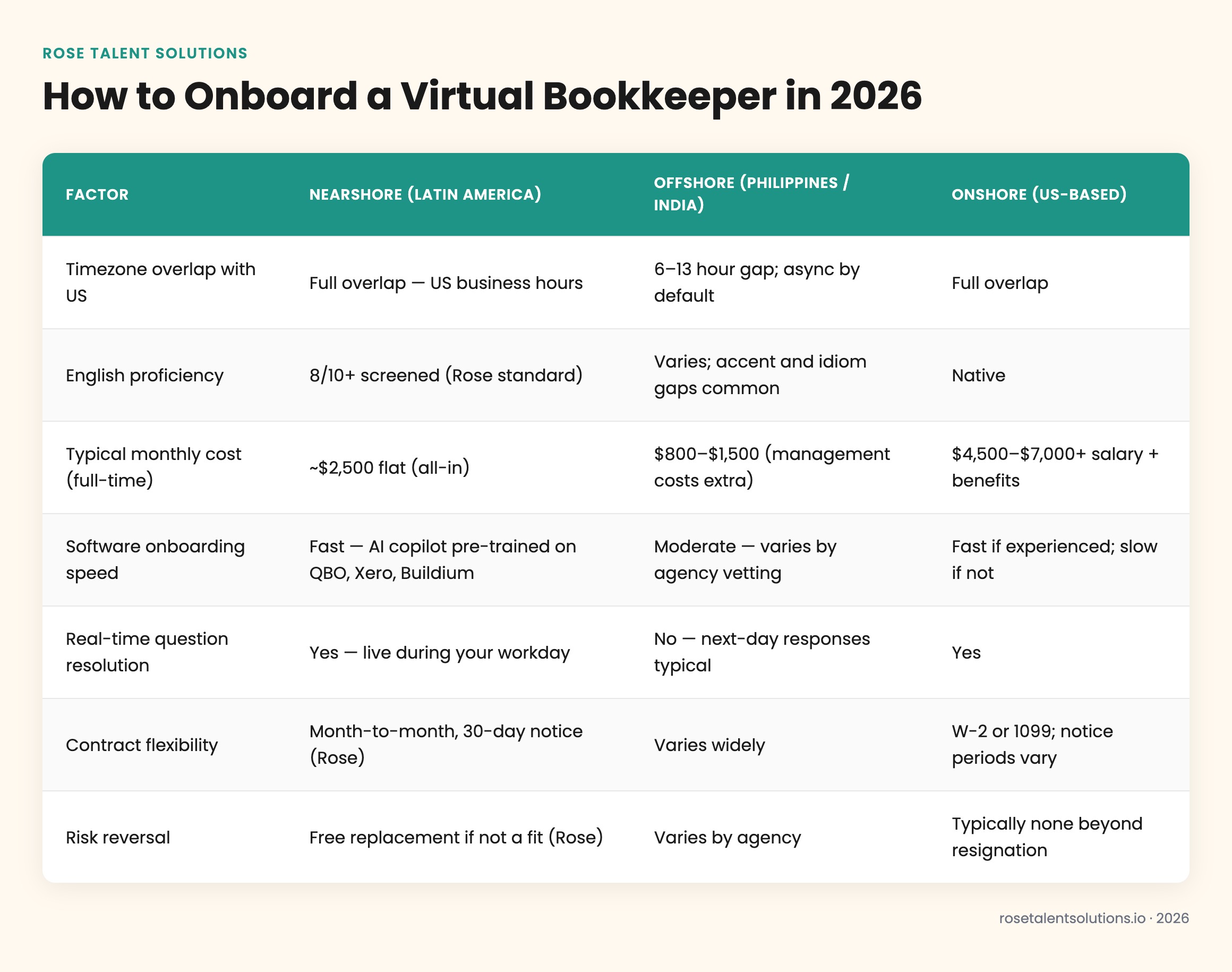
The hidden cost of an offshore bookkeeper during onboarding isn't the hourly rate — it's the compounding delay. When your new bookkeeper has a coding question at 10 AM Eastern, an offshore hire in Manila or Mumbai won't see it until their next morning. Multiply that by the 30–40 questions a new bookkeeper typically generates in the first two weeks and you've added a full month to your ramp timeline before you've posted a single clean reconciliation.
Nearshore bookkeepers operating on US business hours can resolve an onboarding question in the same Slack thread, same hour — meaning a two-week ramp stays two weeks instead of silently stretching to six.
How to Structure the First 30 Days After Access Is Granted
The first month of a virtual bookkeeper's engagement is the highest-leverage window you have. What you invest in structured check-ins and feedback loops here pays back every month that follows. According to SHRM research on employee engagement and onboarding (2023), employees who experience a structured 30-60-90 day onboarding are 58% more likely to remain with the organization for three or more years — a finding that holds equally for virtual engagements.
Week 1 — shadow and document. Your bookkeeper observes and codes but does not post. You review every entry before it goes to the ledger. This is not about distrust — it's about surfacing your undocumented rules before they create uncorrectable entries.
Week 2 — supervised independence. Your bookkeeper posts transactions and flags anything uncertain. You do a daily 10-minute async review via Loom or a shared Google Sheet annotation. The volume of flags should drop sharply by day 10.
Week 3–4 — full operating mode. Your bookkeeper runs the full transaction cycle independently. A weekly 30-minute sync replaces daily review. This is where you start assigning recurring deliverables: weekly cash flow snapshot, weekly AP aging, month-end close package.
One area that trips up even experienced virtual bookkeepers: QuickBooks Online pricing and plan tiers affect which features your bookkeeper can access. If you're evaluating what this really costs versus in-house alternatives, the breakdown of QuickBooks virtual bookkeeper costs is worth reviewing before you decide on your software tier.

How AI Copilots Are Changing Virtual Bookkeeper Onboarding in 2026
The biggest shift in virtual bookkeeping onboarding over the last 18 months isn't a new document template — it's AI. Every Rose team member arrives with a role-specific AI copilot pre-trained on their assigned software stack. A bookkeeper placed on QuickBooks Online has an AI layer that knows QBO's transaction flows, reconciliation quirks, and common error codes. One placed on a property management account using Buildium has a copilot trained on Buildium's owner distribution workflows and trust accounting rules.
This matters for onboarding speed. According to McKinsey's research on generative AI in professional services (2023), AI assistance reduces time-to-proficiency for knowledge workers by 35–40% in the first 90 days — a figure that maps directly to the bookkeeping onboarding window. When your bookkeeper can query their AI copilot mid-task rather than waiting for your answer or a Google search, the question-to-resolution loop collapses from hours to seconds.
You can read more about how this works in practice on Rose's AI advantage page — it covers exactly how the copilots are trained per role and what that means for day-one productivity.
For businesses considering Xero specifically, the AI copilot advantage is pronounced because Xero's API and automation layer has more moving parts than QuickBooks Online for multi-entity setups. A bookkeeper who arrives already oriented to Xero's bank rule logic and tracking category structure — and has an AI layer to query in real time — is measurably faster to independent operation than one learning from scratch.
With structured onboarding
- Independent operation by day 10–14
- Clean audit trail from day one
- Fewer month-end corrections
- Bookkeeper builds institutional knowledge fast
- Accountant spends less time cleaning up
Without structured onboarding
- Ramp stretches to 6–10 weeks
- Miscoded transactions compound over months
- Bookkeeper relies on ad hoc Slack questions
- High risk of duplicate vendor entries
- Year-end cleanup costs more than you saved
How to Know Your Onboarding Worked — and What to Do If It Didn't
By the end of month one, you should be able to answer yes to four questions: Is the bank reconciliation completing on schedule? Are transactions coded consistently with your chart of accounts? Is the weekly sync taking less than 30 minutes? And is the volume of ad hoc questions trending toward zero? If all four are yes, your onboarding worked.
If any are no, the root cause is almost always in the documentation, not the bookkeeper. Go back to your chart of accounts annotations and close checklist and look for the gap. Nine times out of ten, an uncoded exception or undocumented rule is the culprit — not skill.
If after 60 days the fit genuinely isn't working — personality mismatch, communication style conflict, or a skill gap that training can't close — Rose's model includes a free replacement at no additional cost. You don't absorb a sunk cost; you get a new placement. That's the risk reversal built into the $2,500/month flat engagement, which runs month-to-month with no long-term contract.
For businesses that want to understand what full-time virtual bookkeeping actually costs compared to in-house alternatives before committing, the 2026 QuickBooks virtual bookkeeper cost breakdown lays out the full comparison with current salary benchmarks and platform fees included.
If your accounting function is growing beyond solo bookkeeping — into AP management, owner reporting, or CFO-adjacent work — Rose's property management virtual staff page covers how the bookkeeping role scales into a full back-office function for portfolio operators specifically. The onboarding principles are the same; the scope just expands.
According to the U.S. Bureau of Labor Statistics Occupational Outlook Handbook (2024), the median annual wage for a US-based full-time bookkeeper is $47,440 — roughly $3,953/month before benefits, payroll taxes, and office overhead. A nearshore virtual bookkeeper at $2,500/month all-in represents a meaningful cost reduction while operating in your timezone, communicating in fluent English, and arriving pre-trained on your software stack.