
Nearshore website admin virtual assistant services have quietly become one of the highest-leverage hires a US or Canadian business can make in 2026. While founders debate whether to hire a part-time freelancer or a full-stack developer, a growing number of operators are solving a simpler problem first: keeping the website running, updated, and converting — without eating 20+ hours of their own week to do it. A nearshore VA handles that whole category, working your hours, speaking fluent English, and costing a fraction of a local hire.
This guide breaks down exactly what website admin VA services cover, how to evaluate providers, what nearshore means (and why it matters for this role), and how to get started without risk.
What Is a Website Admin Virtual Assistant?
A website admin virtual assistant is a remote professional trained to manage the day-to-day technical and content operations of one or more websites. This includes CMS updates (WordPress, Webflow, Squarespace, Shopify), plugin management, page builds, form integrations, broken-link audits, speed optimizations, and coordinating with developers when something needs to escalate. The role sits between a content manager and a junior developer — they don't write code from scratch, but they can implement pre-built solutions, troubleshoot configuration errors, and keep your site from going dark at 2 a.m.
A strong website admin VA is also fluent in the tools that connect your site to the rest of your business stack — Google Analytics 4, Google Search Console, HubSpot landing pages, Zapier automations, and third-party embeds. If you rely on your website to capture leads, book appointments, or support customers, this person is protecting real revenue every single day.

What Tasks Do Website Admin VA Services Cover in 2026?
The scope of website admin work has expanded considerably as no-code tools have matured. A well-trained VA in 2026 can handle a task list that would have required a part-time developer three years ago. Here is what a typical engagement covers:
- CMS content management: Uploading blog posts, updating product pages, editing landing page copy, and managing media libraries in WordPress, Webflow, or Shopify.
- Plugin and app updates: Running WordPress core, theme, and plugin updates on a scheduled cycle; testing for conflicts before pushing to production.
- Form and integration management: Building and editing lead-capture forms, connecting them to CRMs via Zapier or native integrations, and auditing for broken submissions.
- SEO hygiene: Fixing broken links, updating meta titles and descriptions, submitting sitemaps, and monitoring crawl errors in Google Search Console.
- Performance monitoring: Running monthly Lighthouse or GTmetrix audits, flagging speed regressions, and implementing recommended fixes (image compression, caching config, CDN checks).
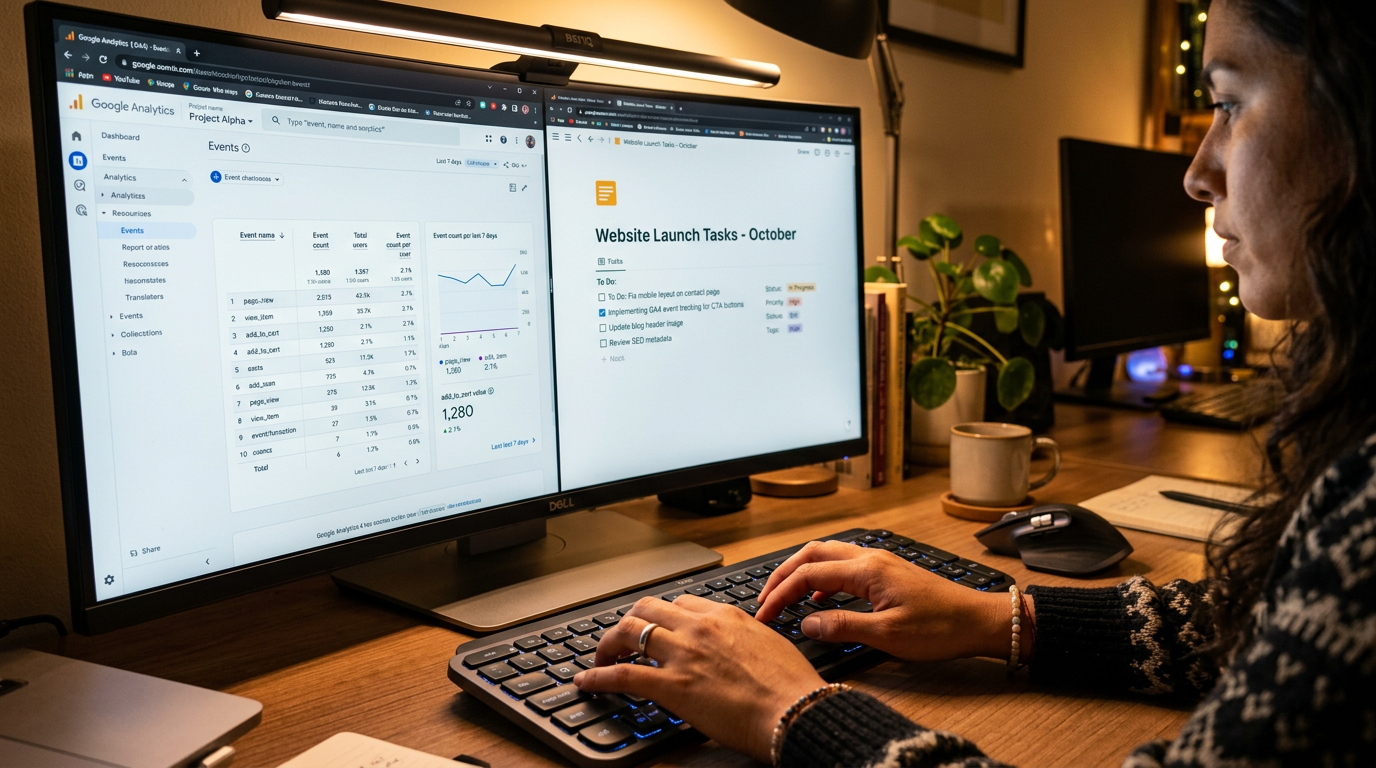
- Analytics and reporting: Pulling weekly GA4 traffic reports, setting up conversion events, and building dashboards in Looker Studio for leadership review.
- Backup and security checks: Verifying scheduled backups completed, reviewing security scan logs, and escalating anomalies to your developer or host support.
- Database and workflow automation: Many website admin VAs also support adjacent tools — if your team uses Airtable to manage content pipelines or project intake, your VA can maintain those bases alongside the website itself.
According to the U.S. Bureau of Labor Statistics (2024), the median annual wage for a full-time web developer in the United States is $92,750 — roughly $7,700/month. A nearshore website admin VA covers the operational 80% of that role's day-to-day workload at $2,500/month flat.
How Nearshore Compares to Offshore and Onshore Website Admin VAs in 2026
Not all virtual assistant arrangements are equal. The sourcing region determines time zone alignment, communication quality, and ultimately how much management overhead lands back on you. The table below shows how the three main sourcing models stack up for website admin work specifically.
| Factor | Nearshore VA (Latin America) | Offshore VA (Philippines / India) | Onshore VA (US-based) |
|---|---|---|---|
| Time zone overlap with US | Full overlap (EST–PST business hours) | Minimal (6–12 hr gap; async-heavy) | Full overlap |
| English proficiency | 8/10+ screened floor | Varies; accent and phrasing issues common | Native |
| Monthly cost (full-time) | ~$2,500 all-in (flat) | $800–$1,500 (variable; management extra) | $4,500–$7,000+ (wages + benefits) |
| Ramp speed | Fast — live collaboration possible day 1 | Slower — async handoffs add days to tasks | Fast, but onboarding costs are high |
| Cultural alignment | High — US media, business norms familiar | Moderate | Full |
| Turnover risk | Low with managed model (replacement included) | High on freelance platforms | Moderate (market-driven) |
| AI copilot included | Yes — role-specific, trained on your stack | Rarely | Rarely at this price point |
"Remote work has normalized across every function, but timezone alignment remains the single biggest predictor of async friction. Teams that overlap by four or more hours per day resolve issues 3× faster than those that don't." — Nicholas Bloom, Professor of Economics at Stanford University and co-director of WFH Research (2024)
How Rose's AI Advantage Changes What a Website Admin VA Can Do
Every Rose team member ships with a role-specific AI copilot trained on the software stack they'll use with you. For a website admin VA, that means the copilot is pre-loaded with your CMS's documentation, your brand guidelines, your plugin library, and your internal SOPs — so the VA isn't Googling basic questions on your dime. They're executing.
In practical terms, this means your VA can draft an on-brand blog post for your review, run an automated broken-link crawl and generate a fix log, or build a GA4 custom report — faster than a traditional hire would. According to McKinsey Global Institute (2023), generative AI tools can automate or augment up to 60–70% of time spent on knowledge work tasks. A VA with a trained copilot captures that productivity lift on day one — you don't need to build the system yourself.
This is also why Rose VAs handle more complex integrations than a typical offshore hire. If you've ever needed someone to connect your website's form submissions to a Notion CRM or sync lead data across platforms, a VA who also understands Notion administration workflows can manage both layers without a separate contractor.
The hidden cost of a website admin VA without an AI copilot isn't the salary — it's the 3–5 hours per week spent on lookup tasks: finding the right plugin, drafting the right meta description format, or troubleshooting a Zapier error log. A role-specific AI copilot eliminates that category entirely and redirects those hours to actual output.
How the Rose Onboarding Process Works for Website Admin VAs
A common hesitation is: "How long does it take before someone is actually useful?" The answer with Rose is about one week — and here is exactly how that happens.
Intake call (Day 1)
Rose's team maps your website stack, CMS, hosting environment, and the specific tasks you need covered. This brief powers the candidate match — you don't get a generalist, you get someone pre-screened for your tools.
Candidate match (Days 2–5)
Rose recruits from its Latin America talent pool and vets candidates against your stack. English proficiency is screened to 8/10+ minimum. You review a shortlist and select your VA — or Rose makes a recommendation if you prefer.
AI copilot deployment (Day 5–6)
Your VA's role-specific AI copilot is configured with your brand voice, CMS documentation, plugin library, and any SOPs you share. The VA gets a structured onboarding sprint so their first week is execution, not orientation.
Live and delivering (Day 7+)
Your VA begins working US business hours immediately. Rose handles payroll, HR, and ongoing performance management — you manage the work, not the employment relationship.
Replacement guarantee (if needed)
If the team member isn't the right fit at any point, Rose replaces them at no additional cost. No long-term contract means you can cancel with 30 days written notice if your needs change.
Rose handles recruiting, vetting, payroll, HR, and ongoing management — all included in the $2,500/month flat rate. There are no add-on fees for the replacement guarantee or the AI copilot. You can learn more and start the intake process here.
Who Needs Website Admin Virtual Assistant Services in 2026?
The clearest signal that you need a website admin VA is when website tasks are either falling behind or getting done by someone whose time costs more than $2,500/month to the business. That includes founders, marketing directors, and operations managers who are personally managing plugins, uploading content, or fielding hosting support tickets.
The second signal is velocity: if your marketing team produces content faster than your site can publish it, or if your sales team is waiting on landing pages, a website admin VA is the throughput fix. According to Gallup's workplace research (2023), employees who spend time on tasks below their skill level show measurably lower engagement — and that disengagement compounds into attrition costs over time.
Common verticals using Rose for this role include:
- E-commerce brands that need daily product page updates, inventory syncs, and promotional banner swaps.
- SaaS companies managing a Webflow or WordPress marketing site alongside a product — the VA owns the .com so the engineering team doesn't touch it.
- Service businesses (law firms, agencies, real estate) that need consistent content publishing and lead-form maintenance without hiring a full-time web manager.
- Property management companies that run listing websites and need unit availability pages, photo uploads, and application form audits kept current. Rose's property management VA services often include a website admin component for exactly this reason.
If your business also handles financial reporting through your website backend or needs data reconciliation alongside web updates, consider pairing a website admin VA with Rose's bookkeeping and accounting virtual assistant services — both roles operate from the same flat-rate model and can be coordinated through a single point of contact at Rose.
For businesses with more complex technical requirements — such as syncing your CMS to external databases or managing webhook-driven automations — a VA who also covers API integration support can handle both the website layer and the data pipeline connecting it to your other systems. And for teams running their sales operations through a CRM, a Salesforce administrator VA can work in parallel to keep lead data flowing cleanly from your website forms into your pipeline.
Why Nearshore Website Admin VAs Win
- Work your exact business hours — no overnight delay on urgent fixes
- Fluent English means your brand voice stays consistent in every page edit
- $2,500/month all-in vs. $7,000+ for a US web coordinator
- AI copilot trained on your CMS stack from day one
- Free replacement if not a fit — zero additional cost
- No long-term contract; cancel with 30 days written notice
What to Watch For
- Not a substitute for a senior developer — complex custom code still needs an engineer
- Requires clear SOP documentation for first 2–3 weeks to maximize output
- Works best when you have a defined CMS (WordPress, Webflow, Shopify) rather than a fully custom build
According to SHRM's workforce research (2024), the average cost-per-hire for a skilled technical support role in the US now exceeds $4,700 — before the first day of salary. A nearshore VA through Rose eliminates that recruitment cost entirely; it's included in the monthly rate.
The bottom line: if your website is a revenue-connected asset — and in 2026, it almost certainly is — having a dedicated, nearshore-based website admin VA working your hours is one of the highest-ROI operational decisions you can make. The math is straightforward, the risk is low, and the starting process takes less than a day.